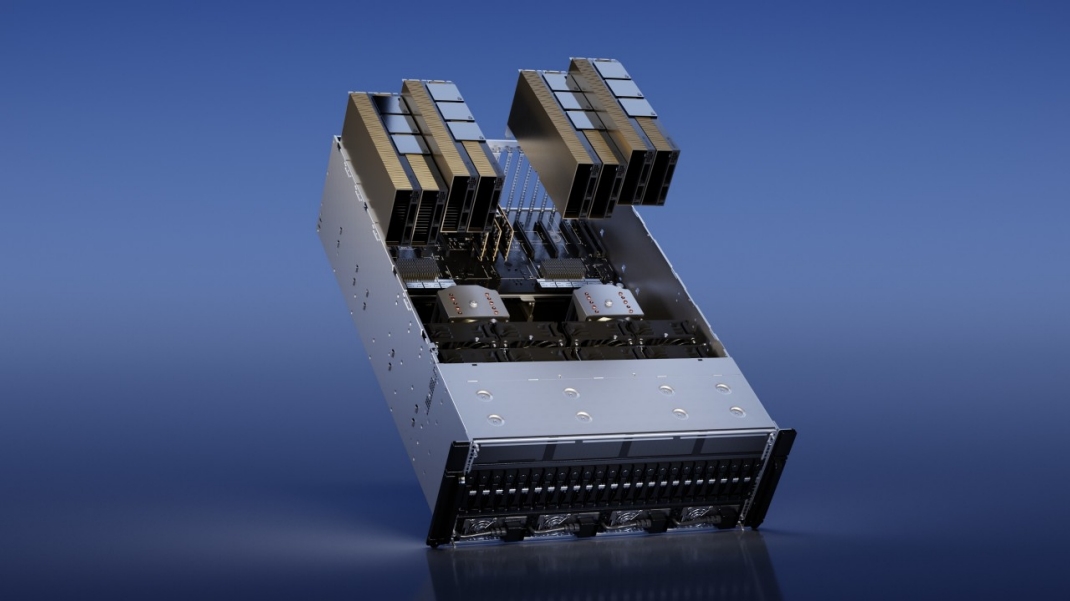
The DGX H100 is the appliance answer to AI infrastructure: eight H100 GPUs, NVLink fabric, tuned networking, and a supported software stack in one engineered box. The appeal is exactly that integration—and so are the mistakes. Buying a DGX is less like buying a server and more like commissioning a small facility, and the organizations that treat it that way are the ones whose deployments land on schedule.
Key Takeaways
- A DGX H100 is a system purchase: 8 SXM GPUs with 900GB/s NVLink, dual CPUs, and ~10kW-class power draw per node.
- Facilities readiness—power, cooling, weight, networking—is the most common schedule risk, not supply.
- Channel choice matters: NVIDIA-certified partners bring integration, support posture, and often better lead times than going it alone.
- Plan the software and operations story (Base Command or your own stack) before delivery, not after.
01Know what the box actually is
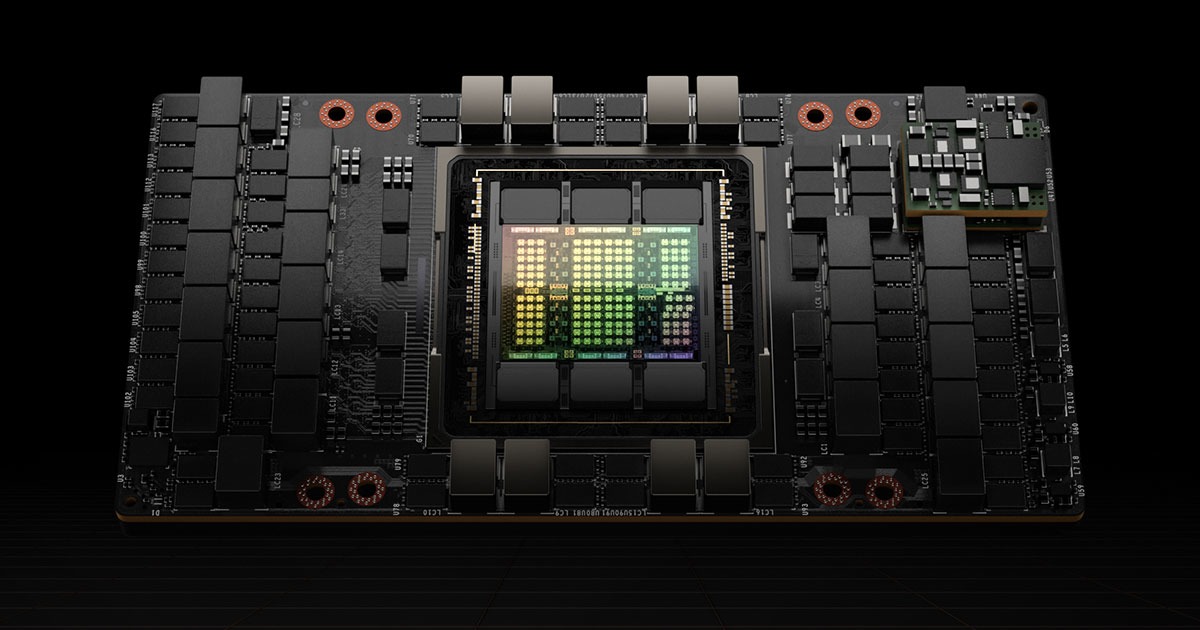
Inside the chassis: eight H100 SXM5 GPUs—the high-power, NVLink-connected variant, not the PCIe card—joined by fourth-generation NVLink at 900GB/s per GPU, backed by dual CPUs, terabytes of system memory, NVMe scratch, and ConnectX-class NICs designed for cluster fabrics. The SXM distinction is the entire point of the product: this is the configuration where multi-GPU training behaves the way the marketing implies.
02The facilities conversation, first
Each node wants roughly 10kW, which most legacy enterprise racks cannot feed—or cool—twice over. Before purchase orders, resolve: rack power and PDU capacity, heat rejection (high-density air at minimum; rear-door or liquid options at multi-node scale), floor loading for ~130kg per node, and the 400Gb-class fabric ports a multi-node cluster expects. A site survey costs days; discovering these constraints at delivery costs quarters.
03Procurement and deployment, in order
- Size honestly: profile your actual workloads—memory footprints, scaling behavior—and let the measurements set node count.
- Choose the channel: certified partners add integration services, spares strategy, and accountable support; pure price-shopping forfeits exactly the help first deployments need.
- Contract the support tier deliberately: response times for GPU swaps and firmware escalations are a production-availability decision.
- Pre-stage the software: cluster management, scheduler, container registry, and monitoring chosen and configured before the crates arrive.
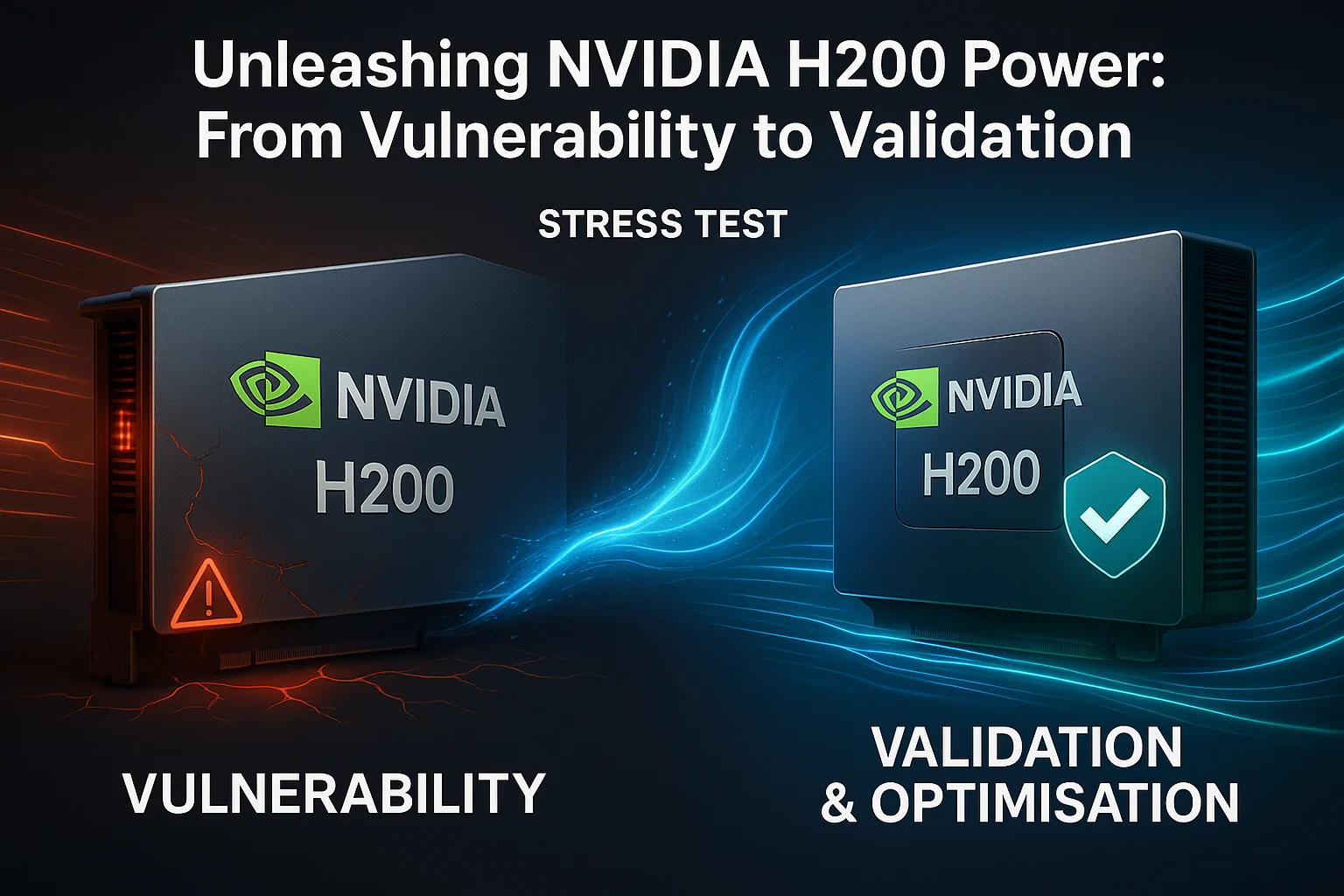
- Gate with burn-in: 48–72 hours of full-load stress, fabric validation, and a checkpoint-recovery drill before any production workload boards.
04The bottom line
Buy the DGX H100 when integrated, supported, predictable multi-GPU capability is worth a premium over assembling equivalents yourself—for most enterprises with serious training ambitions, it is. Just buy it as what it is: a facility commitment with a software roadmap attached, best executed with a partner who has unboxed more than one.
Ready to put this into practice?
Talk to the Semifly team about your infrastructure, security, and compliance roadmap.
Contact Us