
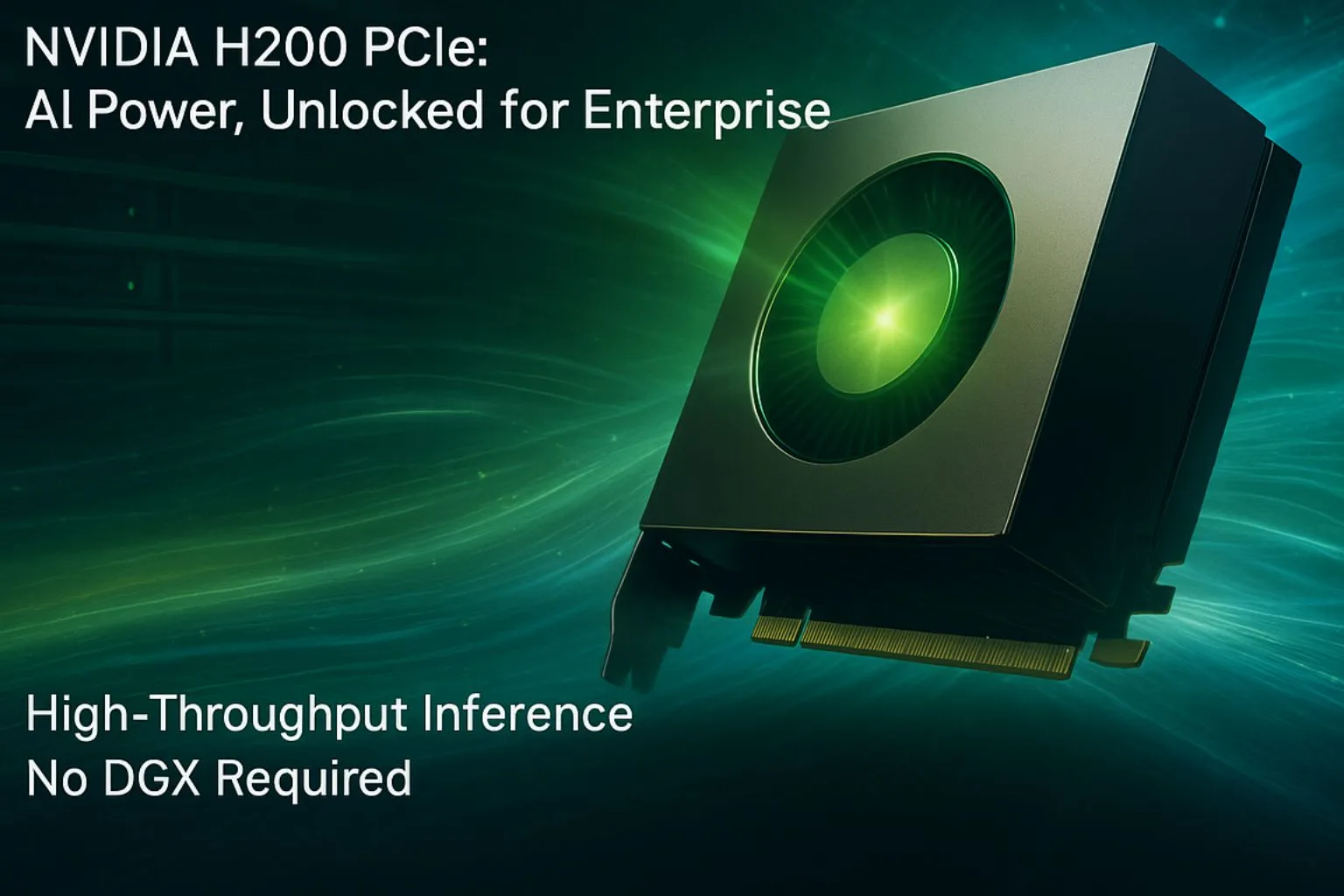
Looking for a deploy-anywhere AI GPU that doesn’t compromise on power?
The NVIDIA H200 PCIe version offers just that, massive performance, memory, and compatibility packed into a widely adopted form factor.
Whether you’re upgrading legacy servers, building edge inferencing clusters, or deploying mixed AI workloads in the cloud, the H200 PCIe is a game-changing option. This blog unpacks the H200 PCIe datasheet, showing how it enables flexible, high-performance AI deployments, without needing a DGX-class system.
01What Is the NVIDIA H200 PCIe?
The NVIDIA H200 is built on the Hopper architecture and designed for AI/ML, LLM inference, and HPC workloads. While the SXM version is optimized for max throughput in DGX systems, the PCIe variant gives enterprises broader compatibility with existing x86 servers, without losing access to key features like:
- 141 GB of HBM3e memory
- Up to 4.8 TB/s memory bandwidth
- FP8 support for LLMs
- MIG (Multi-Instance GPU) partitioning
- NVLink and PCIe Gen5 interface
02H200 PCIe Datasheet: Key Specifications
Here’s a quick glance at the technical specifications for the PCIe form factor, optimized for plug-and-play deployment:
| Feature | H200 PCIe Specification |
|---|---|
| Architecture | NVIDIA Hopper |
| Memory | 141 GB HBM3e |
| Memory Bandwidth | Up to 4.8 TB/s |
| PCIe Interface | Gen5 x16 |
| NVLink Support | No (NVLink available only in SXM) |
| TDP | 600W |
| MIG Support | 7 instances @ 16.5 GB |
| Tensor Cores | FP8, FP16, BF16, TF32, INT8, FP64 |
| Confidential Computing | Supported via TEEs |
Ideal for inference-heavy workloads and retrofitting existing servers
03How Is H200 PCIe Different from SXM?
| Feature | H200 SXM | H200 PCIe |
|---|---|---|
| TDP | 700W | 600W |
| NVLink | Yes (900 GB/s) | No |
| Server Fit | DGX systems | x86 servers, rackmount |
| Deployment Use | LLM training + inference | Inference, hybrid AI workloads |
| Interconnect | NVLink + PCIe | PCIe only |
If you need multi-GPU training clusters, SXM is your best bet. But if you’re focused on cost-effective, memory-heavy inference at scale, the H200 PCIe is a smarter fit.
04Real-World Use Cases: Where Does H200 PCIe Shine?
| Use Case | Why H200 PCIe Works |
|---|---|
| Real-time Customer Support (AI chatbots) | FP8 cores + large memory support multi-lingual LLMs |
| Edge inferencing at Telco Sites | Runs INT8/FP8 models efficiently on standard racks |
| Fintech fraud detection | Fast token inference on encrypted, live traffic |
| Genomics & bioinformatics | Handles large datasets without memory overflows |
| Churn Prediction Models | Inference + retraining possible in one stack |
05Can I Use H200 PCIe for Training?
Yes, with some limits. While the H200 PCIe can support model training using FP8, TF32, and FP16, the lack of NVLink means multi-GPU parallelism is limited. For full-scale LLM training, SXM remains ideal. But for fine-tuning, instruction tuning, or embedding generation, PCIe is more than capable.
06Sample Code: FP8 Inference with Hugging Face on H200 PCIe
import torch
from transformers import AutoTokenizer, AutoModelForCausalLM
tokenizer = AutoTokenizer.from_pretrained(“mistralai/Mistral-7B-Instruct-v0.1”)
model = AutoModelForCausalLM.from_pretrained(“mistralai/Mistral-7B-Instruct-v0.1”).half().cuda()
inputs = tokenizer(“Why is PCIe important for enterprise AI?”, return_tensors=”pt”).to(“cuda”)
with torch.autocast(“cuda”, dtype=torch.float8): # Exclusive to Hopper GPUs
outputs = model.generate(**inputs, max_new_tokens=50)
print(tokenizer.decode(outputs[0]))
This code runs completely in-GPU without memory paging, even with 7B models.
07Why Choose H200 PCIe for Your AI Stack?
- No specialized infrastructure needed, runs on standard servers
- Future-proof your inference stack with FP8 and MIG support
- Save power and cost over DGX setups
- Deploy faster with pre-built compatibility templates
08How Semifly Helps You Deploy H200 PCIe at Scale
At Semifly, we offer turnkey deployment and AI infrastructure design for H200 PCIe-based stacks:
- DGX alternatives: Pre-tuned PCIe clusters for real-time workloads
- MIG slicing: Optimize multi-tenant clusters for edge or call center models
- Confidential AI: Enable isolated LLM deployments in regulated industries
- Custom dashboards: Monitor cost per token, memory usage, and throughput
- Infrastructure-as-Code: Deploy across hybrid environments using Terraform/Ansible
Ready to test your workload on H200 PCIe?
Book a simulation with our AI Infrastructure team →
09Final Thoughts: Is H200 PCIe Right for You?
If your AI roadmap involves high-throughput inference, regulated deployment, or scalable GPU memory without rebuilding infra, then yes, the H200 PCIe is your best choice.
It’s not just a GPU. It’s a flexible, future-ready, enterprise-grade engine for real-time AI.
← Back to Insights