Introduction: Why GenAI Deployment Needs a Strategy, Not Just Hardware
GenAI is moving fast, faster than most infrastructure plans can keep up. The dream is clear: deliver large language models (LLMs), copilots, and AI services that are responsive, scalable, and cost, efficient. But the reality? Many teams stumble because they underestimate the importance of a deliberate server deployment strategy. It’s not about buying the most expensive GPUs or chasing specs. It’s about matching the right server architecture, air, cooled, rack, optimized, or multi, GPU, to the right stage of your GenAI pipeline: development, testing, or production.
At Semifly, we’ve seen what happens when AI infrastructure decisions aren’t aligned with the realities of GenAI workloads. From teams stuck waiting for GPUs to underperforming inference clusters, the cost of poor choices isn’t just financial, it’s time lost, opportunities missed, and customers disappointed.
Let’s break down how to build a server deployment strategy that scales with your GenAI ambitions, using battle, tested systems like the HPE ProLiant XD685 with NVIDIA H200 GPUs and Dell XE9680.
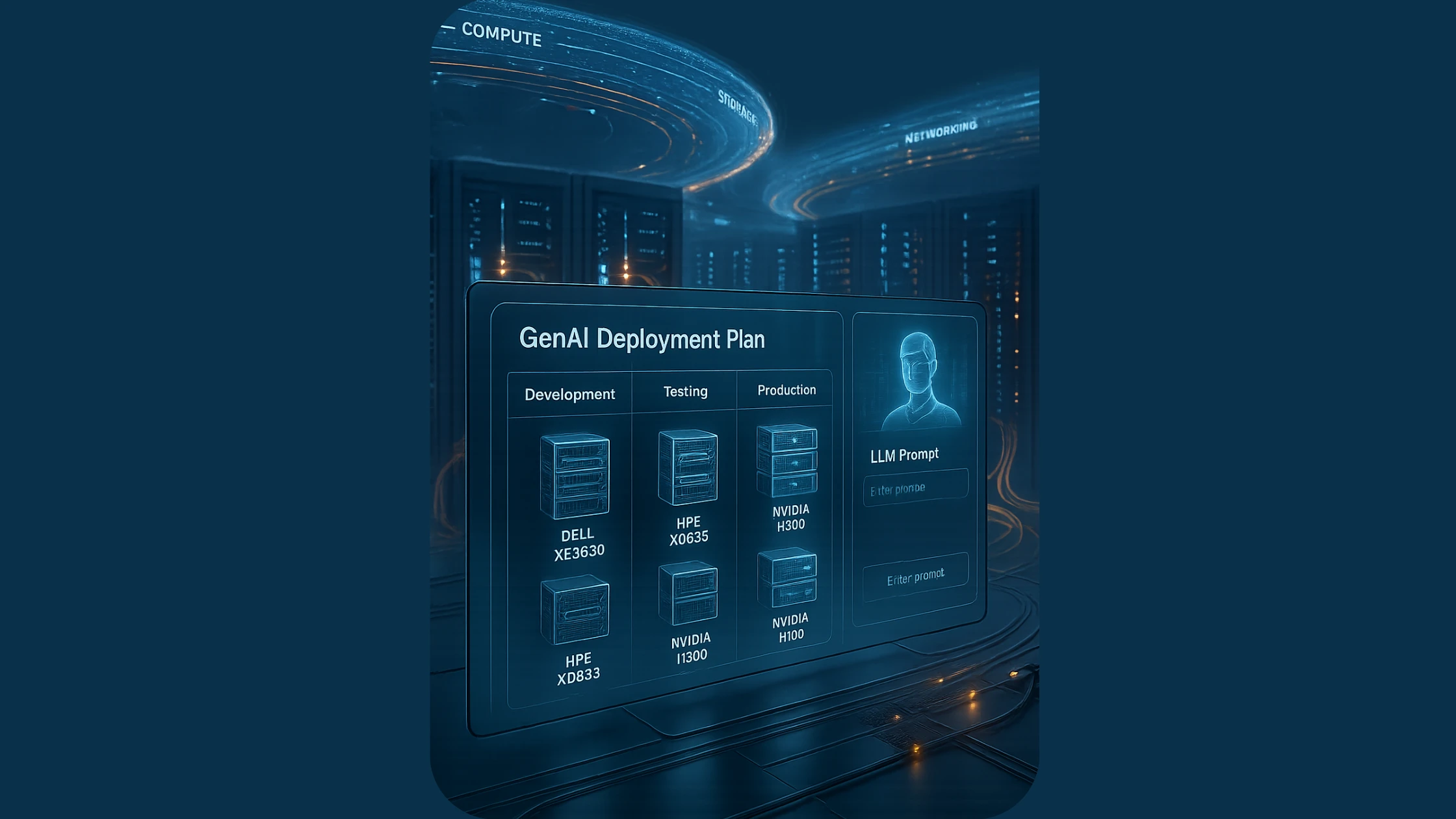
The Three Stages of GenAI Deployment: Dev, Test, and Prod
01Stage 1: Development, The Sandbox for GenAI Exploration
When you’re building prototypes or testing small, scale models, your priority isn’t concurrency, it’s flexibility and quick iteration. Air, cooled systems like the HPE ProLiant XD685 in a minimal configuration shine here. They allow you to experiment with fine, tuning, prompt engineering, and API integration without worrying about complex cooling or power setups.
What to focus on:
- Efficiency for low, scale workloads: Keep power and cooling overhead minimal.
- Stability: Air, cooled servers like the XD685 handle sustained loads without the complexity of liquid cooling.
- Ease of use: Fewer operational headaches = faster iteration cycles.
02Stage 2: Testing and Pre, Production, Scaling Up, Stress Testing
As models grow and workloads intensify, so do your infrastructure demands. Rack, optimized systems like the Dell XE9680 or HPE XD685 (H200) offer the airflow, power redundancy, and I/O balance needed for real, world stress tests.
For teams running multi, tenant LLMs or exploring AI pipelines that blend inference and retrieval, augmented generation (RAG), rack, optimized designs provide:
- Better airflow management for predictable thermal performance.
- High, density deployments without complex cooling.
- Redundant power/networking for production, like reliability.
This is where NVIDIA H200 GPUs make a decisive difference. The 141GB of HBM3e memory and 4.8TB/s bandwidth let you load larger models entirely on the GPU, eliminating memory shuffling and enabling faster, more consistent multi, model inference. Testing with H200 setups prevents surprises at scale, what works in test, works in prod.
03Stage 3: Production, Scaling for High, Throughput, Always, On AI
In production, it’s all about scaling concurrency and minimizing latency. Multi, GPU servers like the HPE ProLiant XD685 with NVIDIA H200 GPUs become your go, to. The H200’s design isn’t just about raw speed, it’s about real, world throughput: running more models, serving more users, and keeping latency low even under peak demand.
For GenAI services, whether it’s an API platform, a multi, client chatbot solution, or a video generation engine, the H200 enables:
- Massive concurrency: Serve more users simultaneously without hitting memory bottlenecks.
- Stable performance: Air, cooled systems like the XD685 keep things cool and reliable for 24/7 workloads.
- I/O, optimized architecture: PCIe Gen5, NVMe support, and balanced lane distribution reduce data bottlenecks.
For hybrid workloads that still require some training, the Dell XE9680 remains an excellent choice, but if you’re inference, first, H200, based systems like the XD685 deliver the scale and predictability you need.
04Network and Storage Considerations in GPU Server Deployment
Your GPUs are only as fast as the data they receive. For GenAI, network and storage are as critical as the GPUs themselves.
05Best Practices for Networking:
- 100GbE recommended for multi, GPU clusters; 25GbE is the bare minimum.
- Low, latency fabrics (RoCEv2) enable fast GPU, to, GPU communication.
- Redundant paths protect against network failures.
06Best Practices for Storage:
- PCIe Gen4/Gen5 NVMe SSDs eliminate I/O bottlenecks.
- Direct GPU, to, Storage paths reduce CPU bottlenecks in data pipelines.
- Data locality planning matters: colocating data with compute can prevent unnecessary network delays.
07Why NVIDIA H200 is the Game, Changer in GenAI Server Deployments
The NVIDIA H200 isn’t just a faster GPU, it’s a solution to the exact problems GenAI workloads face at scale:
- 141GB memory lets you fit entire models on a single GPU, reducing memory swaps and I/O overhead.
- 4.8TB/s bandwidth keeps data flowing fast, critical for multi, tenant, real, time GenAI services.
- Inference, first design means the H200 is optimized for exactly the workloads that power today’s LLMs, copilots, and generative services.
Deploying H200s in air, cooled, rack, optimized systems like the XD685 gives you the scalability, simplicity, and performance edge you need, without overcomplicating your infrastructure.
08Final Thought: Design for the Workload, Not Just the Hardware
Your GenAI deployment isn’t static. What works for prototyping won’t scale to production. That’s why your server deployment strategy must evolve, starting small, testing under real, world conditions, and scaling with proven hardware like the HPE XD685 with H200 GPUs and Dell XE9680.
At Semifly, we help you make these decisions, designing AI infrastructure that aligns with your goals, not just today, but as you scale.
Ready to build a GenAI stack that works today and tomorrow?
Explore Semifly’s AI, optimized server solutions or schedule a consultation with our AI infrastructure experts to design a deployment strategy that scales with your GenAI ambitions.